
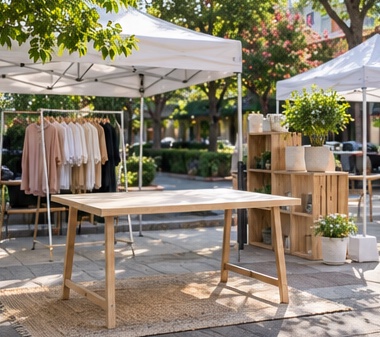
Storefronts & events
Put a poster in a window, sponsor an event, or place a display at a checkout counter.
Spaces connect people
Turn a space you have into an advertising opportunity, or find the right place for your next campaign.
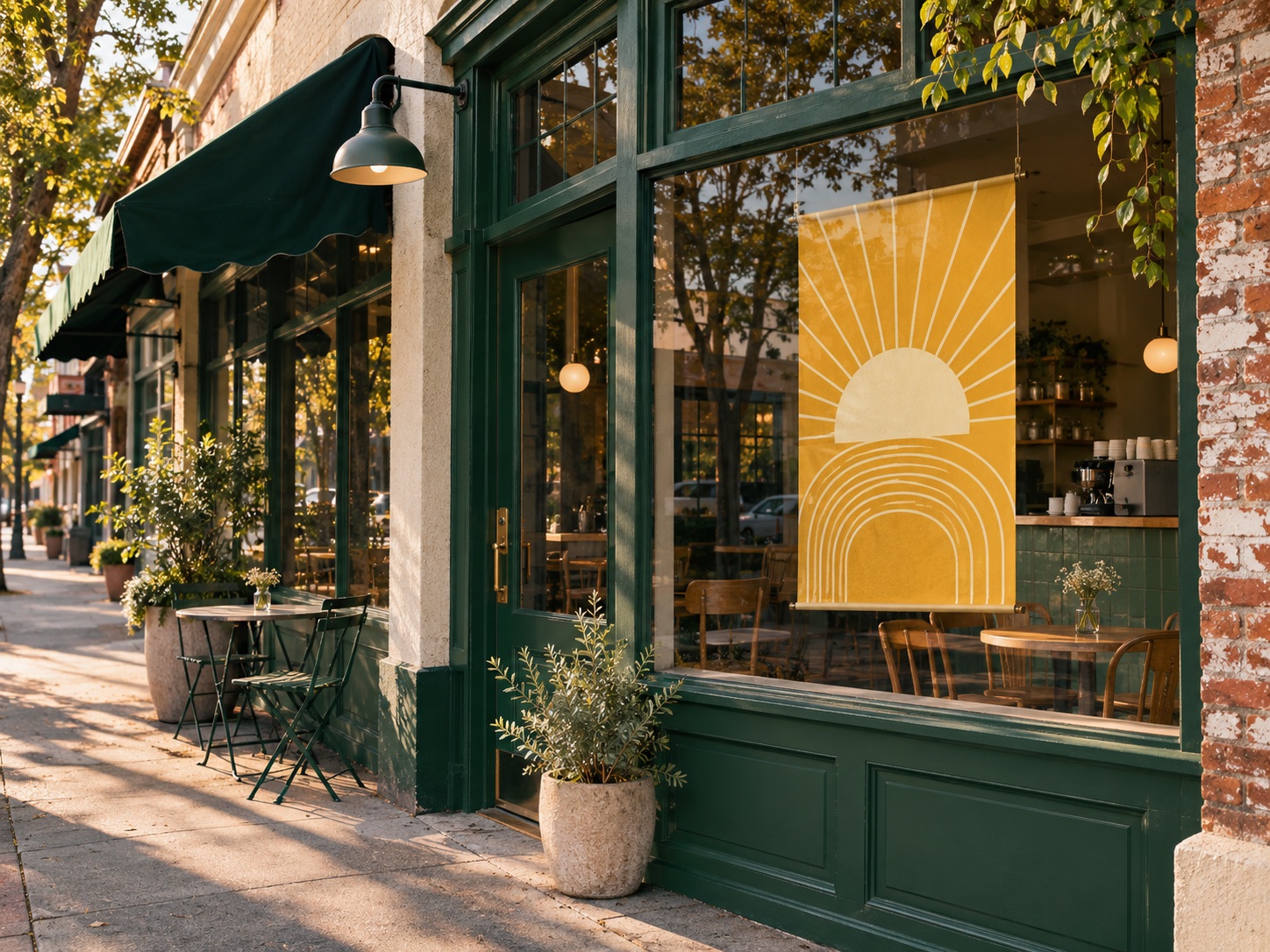
From a window on Main Street to a post in someone’s feed, find a place that fits your audience.
Put a poster in a window, sponsor an event, or place a display at a checkout counter.
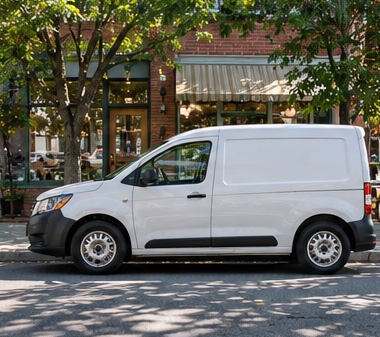
Use a removable car or van decal to bring a local campaign along a regular route.
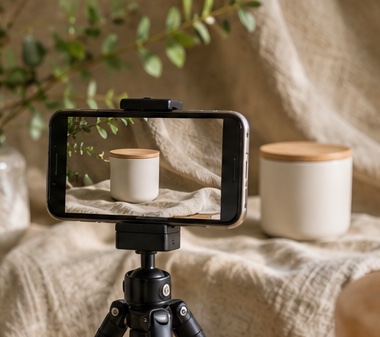
Work with a creator on a sponsored post, book a newsletter mention, or run a slide on a lobby screen.
The same account lets you offer a space and find one. Start with what you need today.
Open Post and choose Space Available. Add the category, location, photos, and what you’d charge per week, month, or campaign.
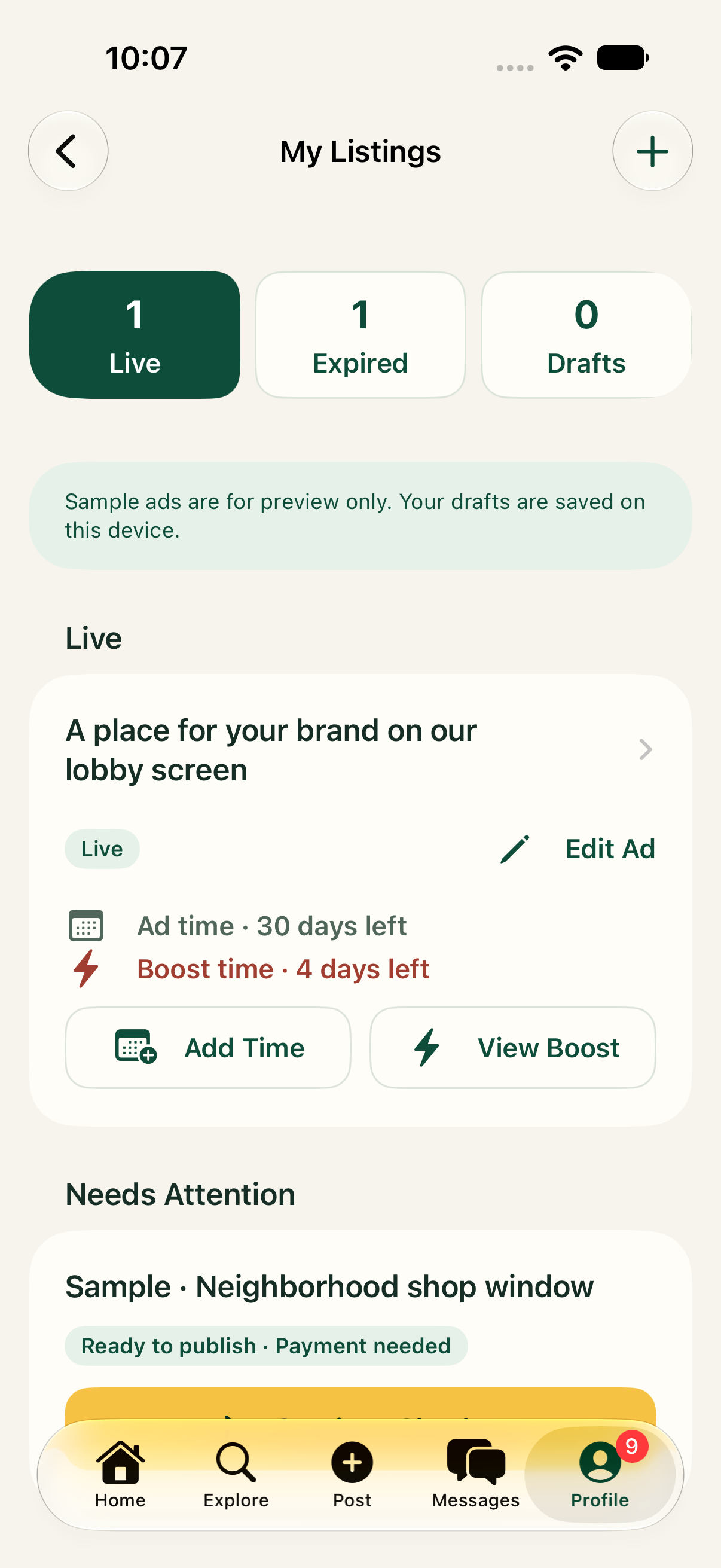
Pick a 30- or 90-day listing and add a search boost if you want more visibility. Your ad is screened before checkout and goes live after the publication payment is verified.
Open Messages and go to My Ads. Agree on dates, artwork, and placement details directly with the advertiser.
Open Explore and filter by category, location, or asking price. Use the map to see listings with a location pin.
Open an ad to see its photos, pricing, and owner profile. Message the owner from the ad and find replies under Messages → My Inquiries.
Choose Space Wanted in Post. Describe your campaign, where you want it seen, and your budget so owners can reach out to you.
Add your name and, if you like, a photo, business name, and bio. People can open your profile from an ad and browse your other live listings.
Choose a ZIP code, city, state, or the entire United States. A nationwide listing can cover a campaign that needn’t be in one place.
SpotMaxing uses OpenAI to check listing text and photos against its safety rules. An ad that passes can go live after Apple verifies the publication payment.
Publishing, adding time, and boosts are paid through Apple in the app. You and the other member agree directly on the price and payment for the actual placement.
Yes. Choose Save for later while posting, then open My Listings → Drafts to pick it back up.